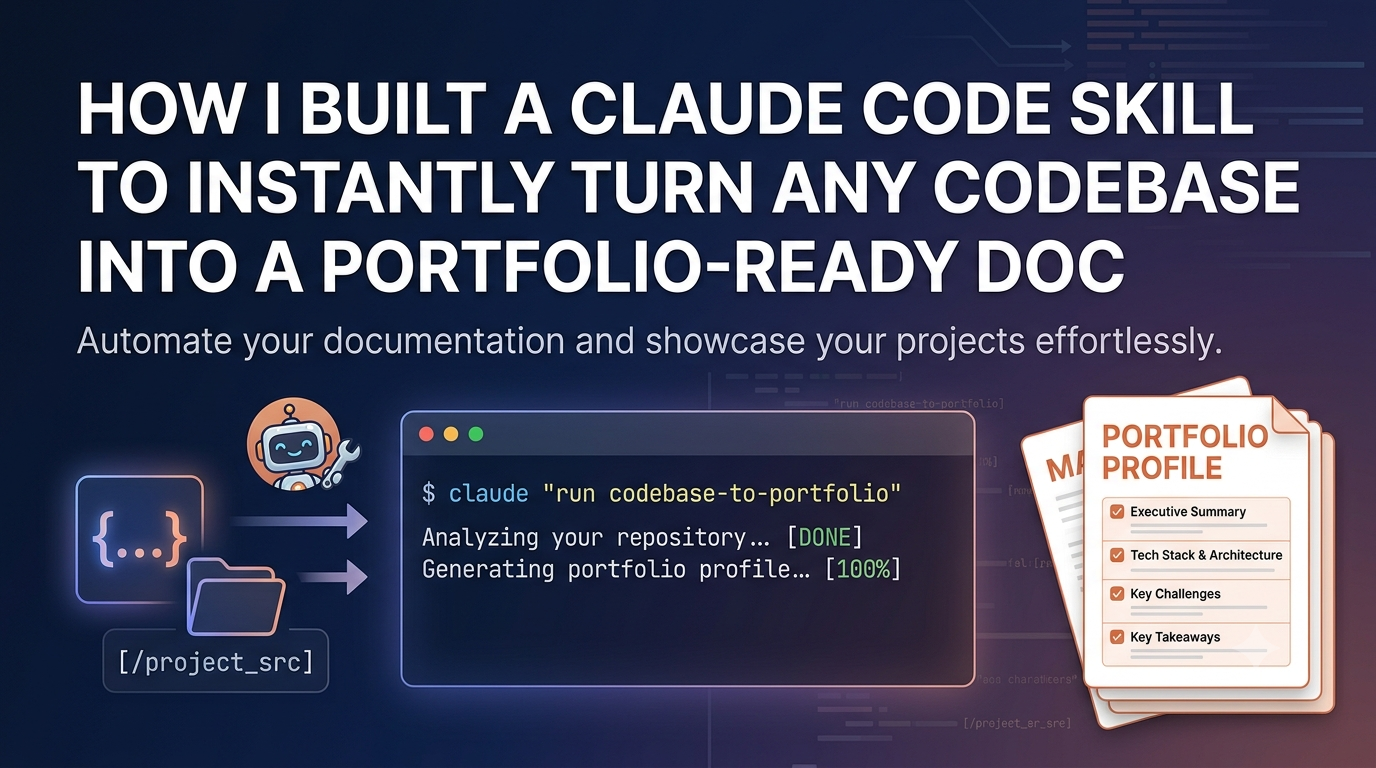
How I Built a Claude Code Skill to Instantly Turn Any Codebase Into a Portfolio-Ready Doc
Originally published on Medium
As developers, we spend countless hours building cool projects. But when it comes to showcasing them on our portfolios, resumes, or social media, we run into a universal bottleneck: documentation. Writing a comprehensive, engaging overview of a complex codebase is tedious.
To solve my own frustration, I built codebase-to-portfolio — a custom skill for Claude Code that automatically analyzes your local repository and transforms it into a beautifully structured, portfolio-ready markdown document.
Here is why I built it, how it works, and how you can use it to automate your own project showcasing.
The Problem: The "Documentation Tax"
We've all been there. You finish a great feature or a weekend side-project. You want to share it on GitHub, LinkedIn, or your personal site. But instead of celebrating, you are faced with a blank README.md file.
You need to:
- Explain the architecture without making it boring.
- Detail the tech stack and why you chose it.
- Highlight the most challenging technical hurdles and how you solved them.
It takes hours of cognitive effort. I wanted a way to delegate this to an AI that already understands my code. Since Claude Code operates directly in the terminal, it was the perfect place to inject this workflow.
What is
codebase-to-portfolio?
codebase-to-portfolio is a reusable skill designed for Claude Code (Anthropic's command-line tool). Once installed, you can simply invoke it within any project directory, and Claude will scan your files to generate a comprehensive markdown portfolio post.
Key Features:
- Deep Architecture Scan: Automatically maps your project structure and directory layout.
- Technical Highlights: Identifies complex logic, state management, or API integrations and explains them clearly.
- Portfolio-Optimized Schema: Formats the output specifically for developer portfolios, blogs, or comprehensive GitHub READMEs.
Quick Start: How to Use It
Thanks to Claude Code's plugin system, setup takes less than 30 seconds.
1. Launch Claude Code & Install the Plugin
Navigate to a clean workspace where you want to manage your configuration, open the Claude Code console, and install the plugin directly from GitHub:
claude
# Inside the Claude terminal:
/plugin marketplace add jasonChen0604/codebase-to-portfolio
/plugin install codebase-to-portfolio
2. Configure Your Profile
Before running the scanning skills, copy the example configuration file and edit it to fit your personal details (like your name, social links, or specific bio details you want included in the output):
cp examples/profile.config.example.json profile.config.json # Edit this file with your details
3. Run the Portfolio Pipeline
Now, execute the custom slash commands sequentially within Claude Code to scan your repositories, initialize the pipeline, and generate your developer profile:
/codebase-to-portfolio:scan-projects
/codebase-to-portfolio:batch-init
/codebase-to-portfolio:generate-tech-profile-json
Claude will seamlessly read your target codebases, align them with your configuration, and output a comprehensive tech profile ready for your portfolio!
Under the Hood: How the Skill Works
The core of this tool lies in a carefully crafted system prompt that guides Claude's agentic behavior. Instead of just asking "summarize this code," the skill forces Claude to think like a technical writer and a hiring manager simultaneously.
Here is the structured breakdown of what the skill extracts:
| Section | What Claude Analyzes | Output Goal |
|---|---|---|
| Executive Summary | Core value proposition & problem solved. | A compelling hook for recruiters. |
| Tech Stack & Structure | File extensions, dependencies, and imports. | A clear breakdown of the system design. |
| Key Challenges | Complex algorithms, async handling, or perf tricks. | Demonstrates your problem-solving depth. |
| Key Takeaways | What you learned or what could be optimized next. | Shows growth and engineering maturity. |
Why This Architecture Matters
By leveraging Claude Code's native file-system access, the skill doesn't just look at a single file; it traverses your directory tree, reads configuration files (like package.json, Cargo.toml, or requirements.txt), and looks at actual implementation files to understand context. It bridges the gap between raw source code and high-level technical storytelling.
Wrap Up & Contributing
Automating the tedious parts of engineering allows us to focus on what we love: building. With codebase-to-portfolio, you can ship a project and have its marketing/portfolio page ready to publish in under a minute.
If you want to check out the prompt logic, customize the output template, or contribute to the project, feel free to drop a star or open a PR!
- GitHub Repository: jasonChen0604/codebase-to-portfolio
- Let's Connect: Jason Chen on LinkedIn
What are your thoughts on using Claude Code for workflow automation? Let me know in the comments below!